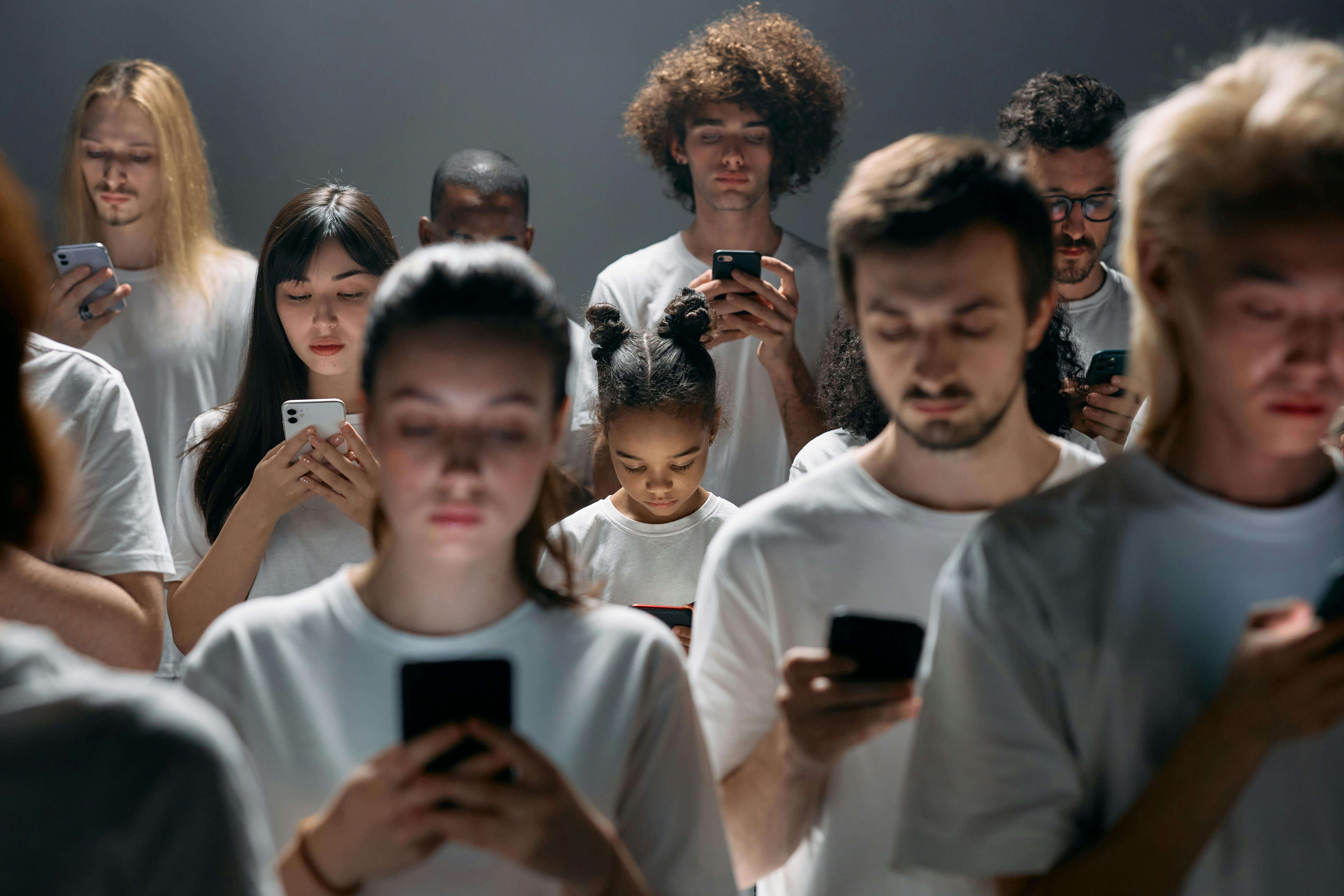
Screen Time Addiction: I Spent 8 Hours a Day on My Phone. These 10 Tricks Cut It by 73%.
As an Amazon Associate, I earn from qualifying purchases.
Last month, I checked my Screen Time report and nearly had a heart attack: 8 hours and 47 minutes per day. That's more than a full-time job. I was picking up my phone 127 times a day, and I couldn't even remember what I was looking at half the time.
I'd sit down to study, pick up my phone "just to check the time," and suddenly an hour had disappeared into TikTok. I'd wake up and immediately scroll Instagram before getting out of bed. I was constantly distracted, my grades were slipping, and I felt like I had no control.
I thought I had an addiction. I thought I needed to delete all my apps or go off-grid. I was wrong.
Advertisement
I decided to run an experiment: 30 days without my phone controlling my life. I didn't delete it or go off-grid—I just implemented strategic friction, including using a sunrise alarm clock instead of my phone alarm. The results shocked me.
I went from 8 hours 47 minutes to 2 hours 15 minutes. I went from 127 pickups to 18. I went from distracted to laser-focused.
My Experience: The Mistake I Made
The Old Way (Phone Controlling My Life):
- Screen time: 8 hours 47 minutes/day (more than a full-time job)
- Phone pickups: 127/day (every 5 minutes)
- Average focus session: 12 minutes before checking phone
- Sleep quality: Poor (phone in bed, scrolling until 2 AM)
- Grades: B's and C's (couldn't focus)
- Felt like I had no control
The New Way (Me Controlling My Phone):
- Screen time: 2 hours 15 minutes/day (73% reduction)
- Phone pickups: 18/day (86% reduction)
- Average focus session: 45+ minutes (deep work states)
- Sleep quality: Dramatically improved (phone in another room)
- Grades: A's (actually understanding material)
- Felt in complete control
The best part? I didn't feel like I was missing anything. I was just more intentional about when and why I used my phone. I stopped letting my phone control my life and started controlling my phone use.
Here are the 10 tricks that actually worked for me:
1. Switch to Grayscale Mode (The Game Changer)
My experience: This was the single biggest change. I switched my iPhone to grayscale, and suddenly Instagram looked boring. TikTok felt dull. Everything lost its dopamine-triggering appeal.
The science: App designers use bright reds, blues, and saturated colors because they activate your brain's reward system. Without color, your brain doesn't get that same hit.
How to do it:
- iOS: Settings → Accessibility → Display & Text Size → Color Filters → Grayscale
- Android: Settings → Digital Wellbeing → Wind Down → Grayscale
Result: I went from scrolling for 30 minutes to putting my phone down after 30 seconds. It's that powerful.
2. Put Your Phone in Another Room
My mistake: I used to keep my phone on my desk "in case of emergencies." But every time I saw it, my brain wanted to check it. Even when it was face-down, I knew it was there.
The fix: I started leaving my phone in my bedroom when I studied in the living room. Or in the living room when I worked in my bedroom.
Why it works: Proximity drives habits. Your brain expends energy resisting the urge to pick up a phone within reach. When it's out of sight, it's out of mind.
My result: My study sessions went from 12 minutes to 45+ minutes of uninterrupted focus.
3. The Notification Audit That Changed Everything
My wake-up call: I counted my notifications one day: 47 in the first hour after waking up. Most were from apps I barely used—newsletters I never read, game notifications, social media alerts.
The audit:
- I went through every app on my phone
- Turned off notifications for everything except:
- Text messages (from actual humans)
- Phone calls
- Calendar reminders
- Everything else? Silent.
The result: My phone went from buzzing every 5 minutes to staying quiet for hours. My anxiety dropped. My focus improved.
Pro tip: If you're worried about missing something important, set specific "notification windows" (like checking email 3 times a day instead of constantly).
4. Move Social Media Apps to a Hidden Folder
My experiment: I moved Instagram, TikTok, and Twitter to a folder on my last screen, buried behind 3 swipes. The extra effort to access them made me pause and ask: "Do I really need to check this right now?"
The psychology: Adding friction gives your logical brain time to override the impulse. Those extra seconds are often enough to break the habit loop.
Even better: Delete the apps entirely and use mobile browsers when you really need them. The login process adds enough friction that you'll only do it when it's actually important.
My result: I went from checking Instagram 20+ times a day to 2-3 times. And when I did check it, it was intentional, not mindless.
5. Schedule Specific "Phone Windows"
My old habit: I'd check my phone whenever I felt a tiny urge. This meant constant interruptions throughout the day.
The new system: I scheduled 3 phone windows:
- 8:00 AM (after morning routine)
- 12:30 PM (lunch break)
- 6:00 PM (after work/study)
The rule: Outside these windows, my phone stays in another room. No exceptions.
Why it works: Consolidating phone use into specific blocks prevents micro-distractions from hijacking your entire day. You get extended periods of deep focus.
My result: I reclaimed 3+ hours of focused time per day. My productivity skyrocketed.
6. Use Focus Modes (iOS/Android)
My setup: I created a "Study Focus" mode that:
- Hides all social media apps
- Silences all non-essential notifications
- Only allows calls from family
- Blocks distracting websites
How to set it up:
- iOS: Settings → Focus → Create Custom Focus
- Android: Settings → Digital Wellbeing → Focus Mode
The benefit: It's like creating a digital fortress. When Focus Mode is on, distractions literally can't reach you.
My tip: Set it to activate automatically during your work hours. I have mine turn on from 9 AM-5 PM on weekdays.
7. Charge Your Phone Outside the Bedroom
My problem: I used to charge my phone on my nightstand. I'd check it right before bed, first thing in the morning, and sometimes in the middle of the night.
The change: I bought a sunrise alarm clock and started charging my phone in the living room.
The results:
- Better sleep (no blue light before bed)
- No middle-of-the-night scrolling
- Mornings start with intention, not distraction
- I actually wake up feeling rested
The science: Phones in bed harm sleep quality and morning routines. Keeping it in another room breaks the habit completely.
8. Turn Off Read Receipts
My anxiety: I used to feel pressured to respond immediately when someone saw I'd read their message. This created constant communication anxiety.
The fix: I turned off read receipts in iMessage, WhatsApp, and other apps.
The benefit: I reclaimed control over when I respond. No more social pressure. No more feeling like I need to answer immediately.
The result: I respond when I have time and mental energy, not when someone expects it. My stress levels dropped significantly.
9. Set "Hard" App Timers
My weakness: I'd tell myself "just 5 more minutes" on TikTok, and suddenly 45 minutes had passed. Self-regulation wasn't working.
The solution: I set strict daily limits using Screen Time (iOS) or Digital Wellbeing (Android):
- TikTok: 15 minutes/day
- Instagram: 20 minutes/day
- Twitter: 10 minutes/day
The rule: When the timer hits zero, the app locks. No exceptions. No "just 5 more minutes."
Why it works: External limits preserve your willpower. You don't have to decide—the app decides for you.
My result: I went from 3+ hours on social media to under 45 minutes total. And I didn't miss anything important.
Advertisement
10. Establish Phone-Free Zones
My zones:
- Dinner table (no phones during meals)
- Bedroom (phone stays in living room)
- Study desk (phone in another room)
- First hour of the day (no phone until after morning routine)
The psychology: Certain contexts deserve your full attention. By making these zones phone-free, you reclaim presence and mindfulness.
My experience: Meals became actual conversations. Study sessions became deep work. Mornings became peaceful instead of reactive.
Making These Habits Stick: My 30-Day System
Week 1: I started with just 2 changes:
- Grayscale mode
- Phone in another room during study
Week 2: Added notification audit and Focus Modes
Week 3: Added phone windows and app timers
Week 4: Added phone-free zones and read receipts
The key: Don't try to do everything at once. Pick 1-2 strategies, master them for a week, then add more.
The Real Goal
Your phone should serve you, not the other way around.
I went from 8+ hours of mindless scrolling to 2 hours of intentional use. I reclaimed 6 hours per day. My grades improved. My sleep improved. My relationships improved (because I was actually present).
The secret isn't willpower—it's friction. Make distraction harder and focus easier. Small, consistent adjustments lead to massive improvements.
Action Plan
This week, try this:
- Switch to grayscale mode (takes 2 minutes, changes everything)
- Do a notification audit (turn off everything except essentials)
- Pick one phone-free zone (dinner table, bedroom, or study desk)
Track your Screen Time before and after. You'll be shocked at the difference.
Get the exact sunrise alarm clock I use here.
Question for readers: What's your biggest phone distraction? Share it in the comments, and let's find a way to block it together.
Thanks for reading! If you found this helpful, check out more articles on our blog page.